
What DSH enables
Plugin-first extensibility
Open-source Harness: add capabilities, reshape workflows, and plug in community or custom packages.
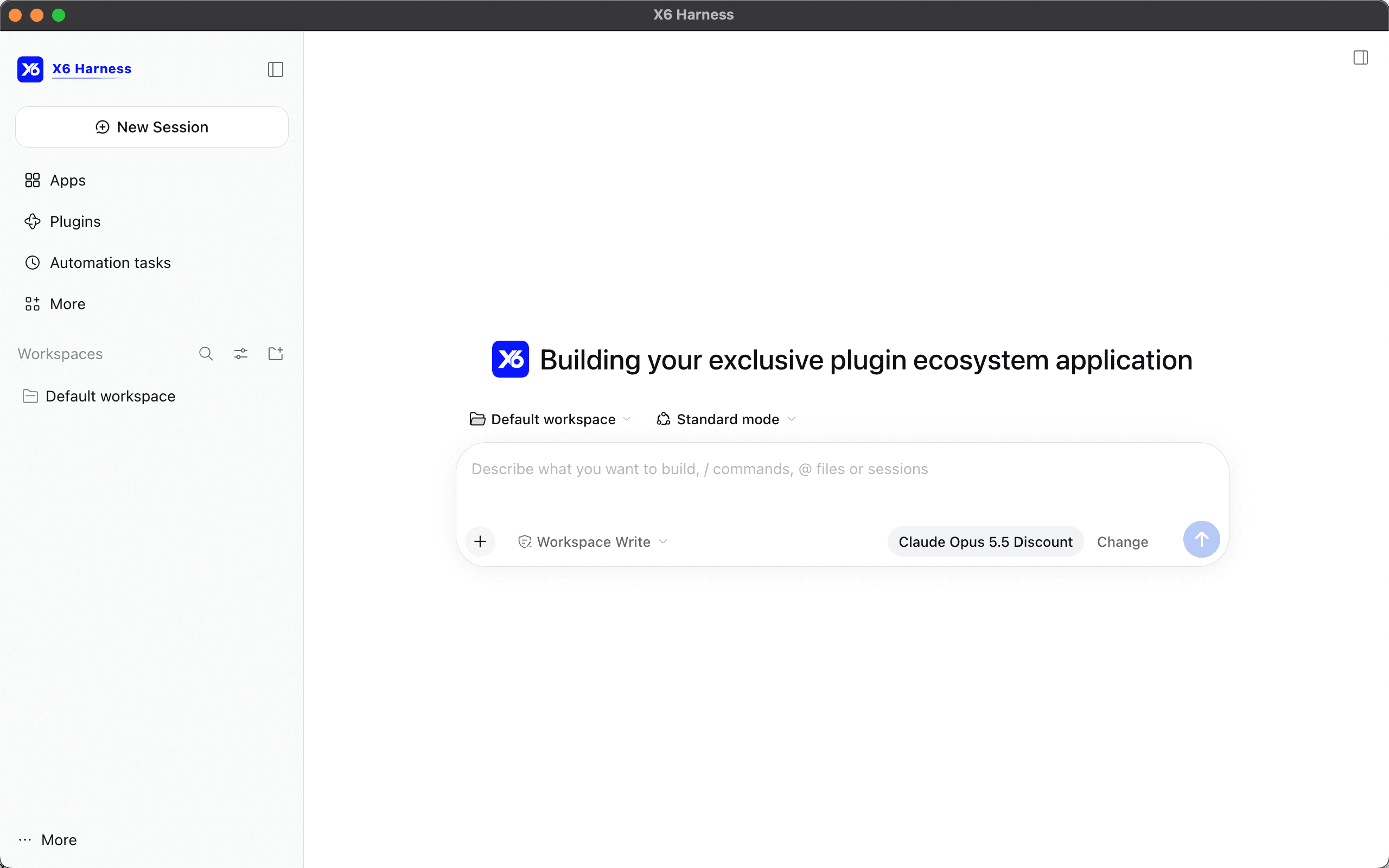
X6 Client
Official desktop build
Platform core preinstalled on the same plugin system—what DSH can extend, you can install here.
And more
X6.AI platform
Sign in for the full model catalog, account, and credits—without wiring your own gateway.
Three steps to get started
Download
Install the official desktop build with platform core included.
Sign in
Authorize with your X6.AI account to sync the model catalog.
Use
Pick a model, start a session, and add plugins as needed.
More to unlock as you go
Full catalog, one workbench
After sign-in, every model listed on X6.AI is available to pick, chat, and run in the desktop app.
No need for a separate client per vendor—one workbench covers the catalog.
If DSH can extend it, so can you
Built on the DeepSeek Harness plugin system: install community or custom plugins as you need them.
The ceiling isn’t locked by a vendor—it’s set by what you install.
Coding agents, preinstalled
Open the app to write code and orchestrate agent flows; sessions and workspaces stay on your machine.
Less setup, more shipping—from download to first reply, faster.
One account across desktop and console
The same X6.AI account, credits, and model catalog.
Manage keys and billing in the console; get work done in the client—no split mental model.
Local workspace that stays with you
Model calls, tools, and agent flows all run in the desktop app.
Your window is the desk: switch sessions and workspaces without hunting browser tabs.
Need more? Install plugins. Build new capabilities.
Core works out of the box; want automation, panels, or workflows? Keep installing in-app.
It’s not only “use models”—grow the client into your own toolkit.
Preinstalled & extensible
The release includes the platform core; install more plugins from inside the app.
…